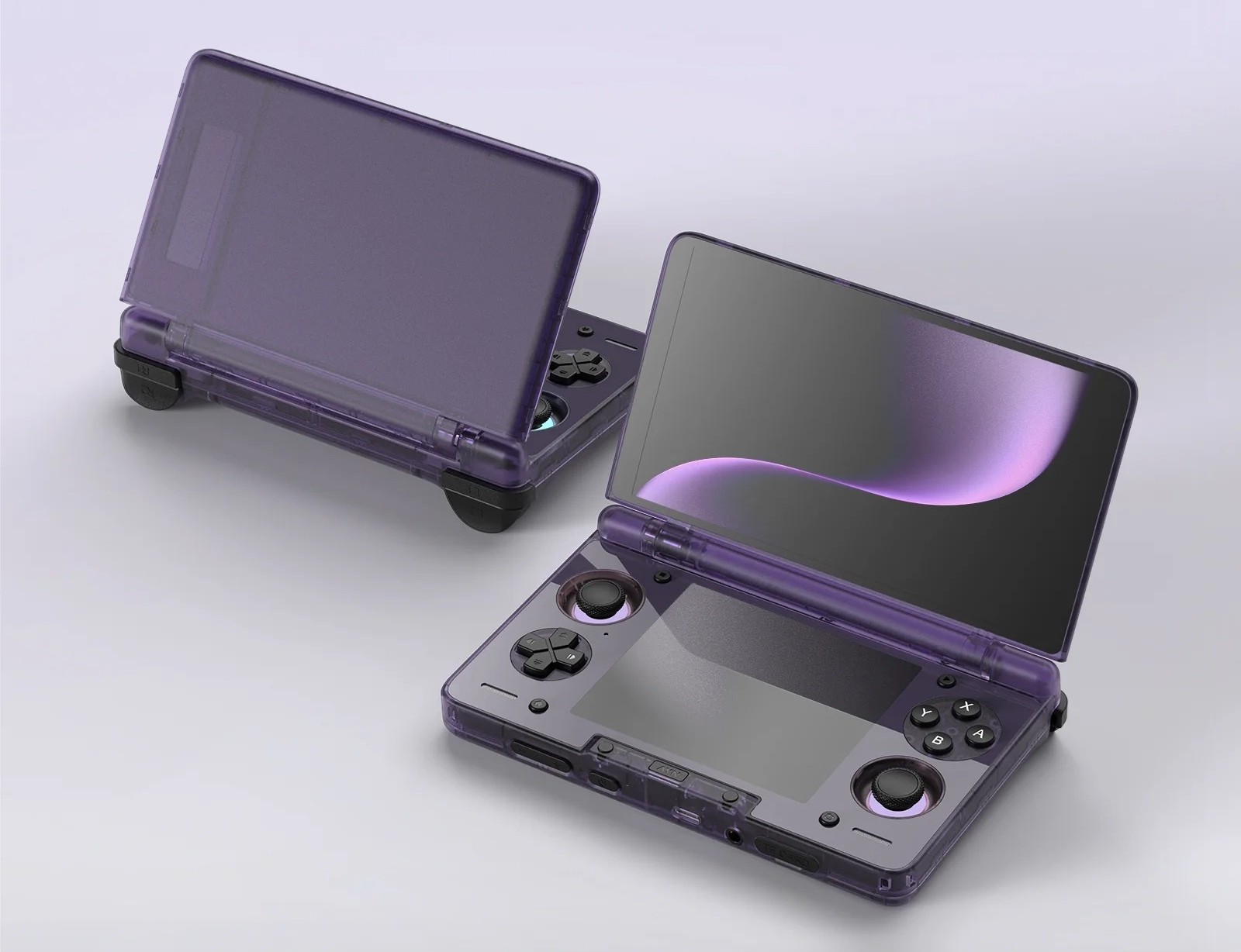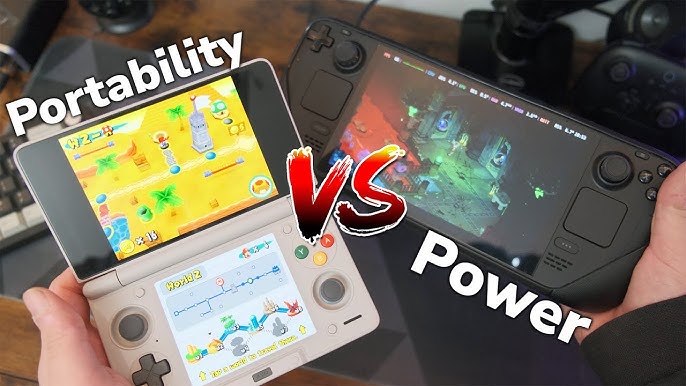
As we step into 2026, the handheld gaming market has split into two distinct factions, each representing a fundamentally different design philosophy. On one side stands the Steam Deck OLED—the reigning king of PC handhelds running SteamOS, an icon of stability and peak optimization from Valve. On the other side is the AYN Thor—a max-spec Android handheld monster, championing the brute-force hardware approach and unrestricted emulation.
If you are sitting on a premium budget and wondering which side to choose, this detailed breakdown will guide you to your perfect match.
The Battle of Portability: Weight, Display & Battery Life
Usability determines whether a handheld accompanies you everywhere or ends up gathering dust on a shelf. Here, the contrast between the mobile architecture (ARM) of the AYN Thor and the computer processor (x86) of the Steam Deck OLED becomes glaringly obvious.
Weight and Ergonomics
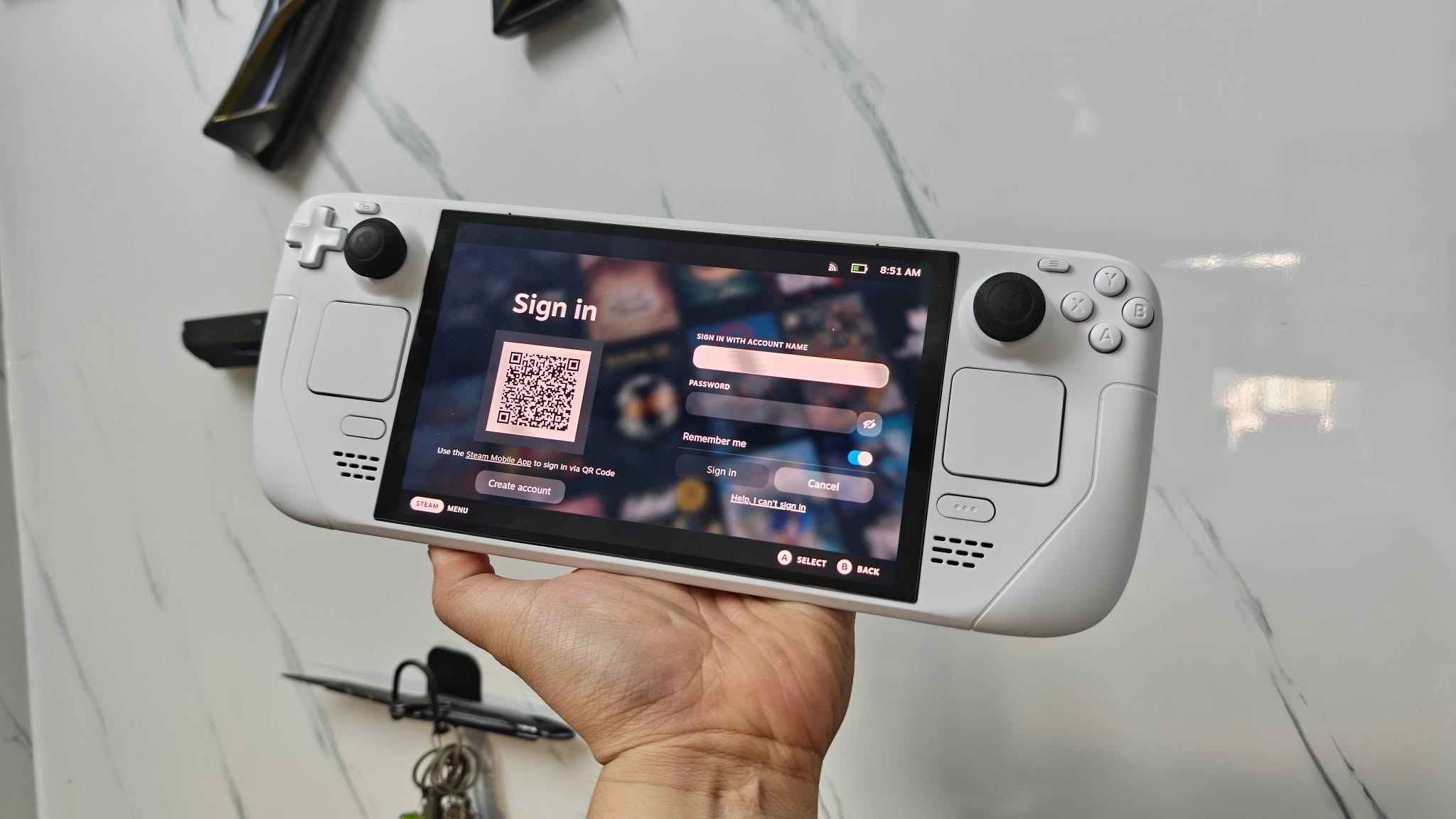
- Steam Deck OLED: Valve’s ergonomic design remains top-tier, doing an excellent job of distributing its 640g weight. However, the machine’s footprint is massive. You will struggle to fit this device into a small cross-body bag.
- AYN Thor: Capitalizing on mobile components, the Thor boasts a much tighter form factor and a far more ideal weight (hovering around 450g). It is thin, light, and carries the true spirit of “portable gaming” that a handheld device needs.
Battery Life (A Crushing Victory for ARM)
This is the single biggest pain point for PC handhelds and exactly where the AYN Thor shines brightest. The highly optimized mobile chip on the Thor draws minimal power.
When tackling a demanding game or a complex 3D emulator, the Steam Deck OLED (50Wh battery) will run out of juice in about 2 to 2.5 hours. Meanwhile, the AYN Thor easily endures for 5 to 7 hours of continuous play—an unthinkable figure for an x86 system.
Display Resolution
Steam Deck OLED: Sticks to a modest 800p (1280×800) resolution. In return, its 90Hz OLED panel serves up deep blacks, absolute contrast, and vibrant HDR. For native PC games, 800p is the perfect sweet spot to maintain stable frame rates.
AYN Thor: Features a significantly higher resolution (1080p or even 1440p) screen that is incredibly sharp. The high pixel density allows the Thor to render small in-game text and upscale emulation graphics with far less aliasing than its Valve counterpart.
Game Library: Native PC vs. Deep Multi-System Emulation
The biggest divergence lies in how these two devices approach gaming history.
Steam Deck OLED: Native PC “Click-and-Play” Experience
The magic of the Steam Deck lives within SteamOS and its Proton translation layer. You don’t need to know how to install drivers or tweak system files.
The Pros: Open your Steam library, hit “Download,” and smoothly enjoy AAA PC blockbusters like Cyberpunk 2077, Elden Ring, or Baldur’s Gate 3 at low-to-medium settings.
The Cons: It cannot run games bound by strict, kernel-level anti-cheat software (like Valorant or EA Sports FC).
AYN Thor: Emulation Monster & Open Android Ecosystem
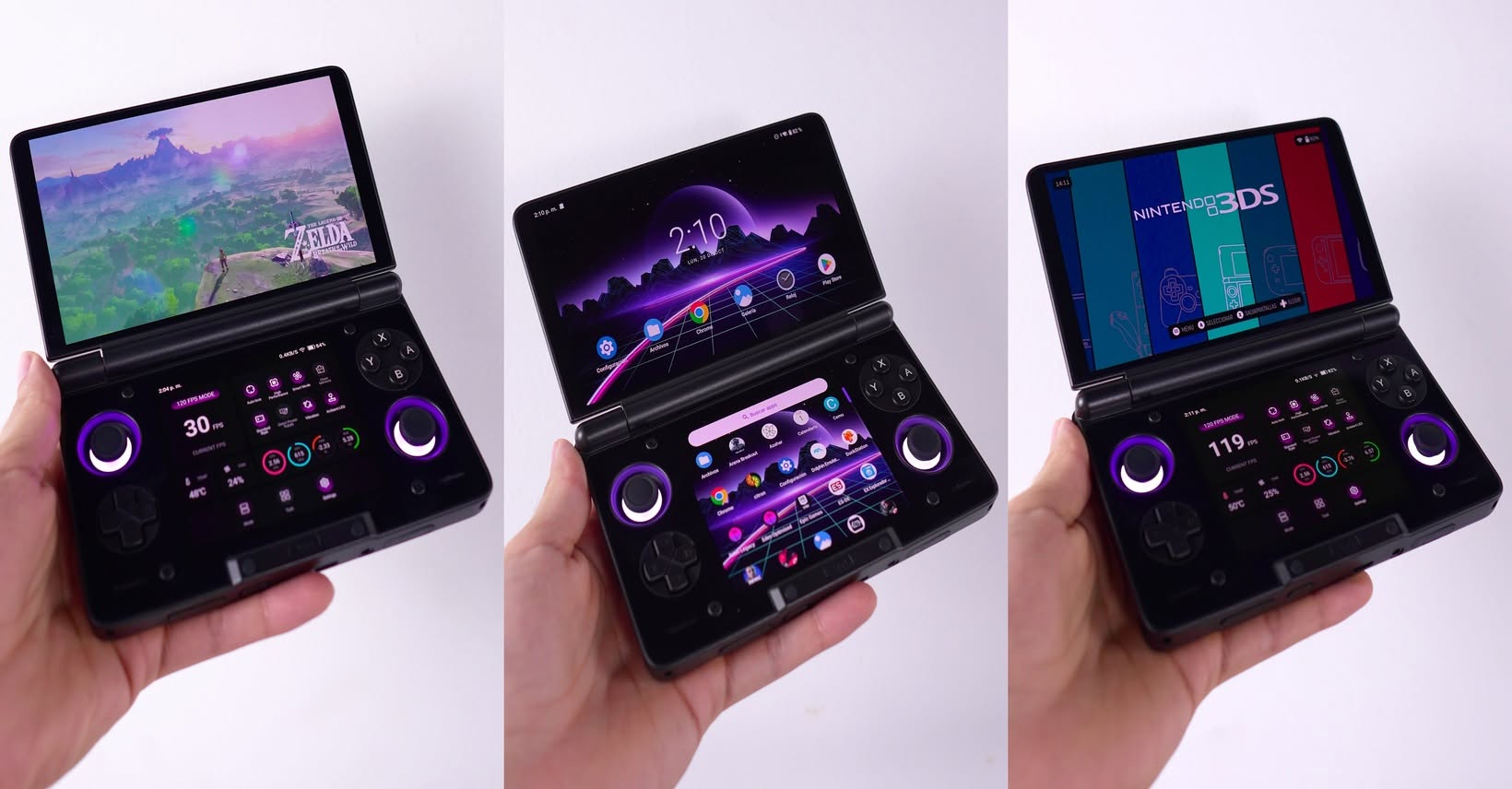
The AYN Thor doesn’t run modern PC games natively on bare metal; instead, it morphs into virtually any console you want through emulation layers and its open OS.
Ultimate Emulation: Thanks to its maxed-out specs, the Thor easily handles everything from retro classics to notoriously stubborn platforms like the Nintendo Switch, PS3, and PS2, as well as modern Windows emulators (Winlator, Mobox). Playing older PC games or native Indie titles via emulation on the Thor looks stunning due to the high-res screen.
Native Android Games: It effortlessly obliterates the most demanding mobile games on earth, like Genshin Impact, Zenless Zone Zero, and Honkai: Star Rail at max settings and a locked 60 FPS—something the Steam Deck struggles to replicate without clunky, unofficial workarounds.
Overview Comparison Table
| Feature | AYN Thor (Android) | Steam Deck OLED (SteamOS) |
| Operating System | Android (Open source, highly customizable) | SteamOS (Linux-based, console-like optimization) |
| Weight | ~450g (Compact, highly portable) | 640g (Large, solid in hand) |
| Display | High-Res (1080p/1440p), ultra-sharp | 7.4″ OLED (800p), 90Hz, top-tier colors |
| Battery Life | Exceptionally optimized (5 – 8 hours) | Average (2 – 4 hours depending on game load) |
| Library Strengths | Emulation (Switch, PS3, PS2), Android Games | AAA Steam Games, Native Indie PC Titles |
| Tinkering Level | Requires configuration, ROM hunting, mapping | User-friendly, power on and play |
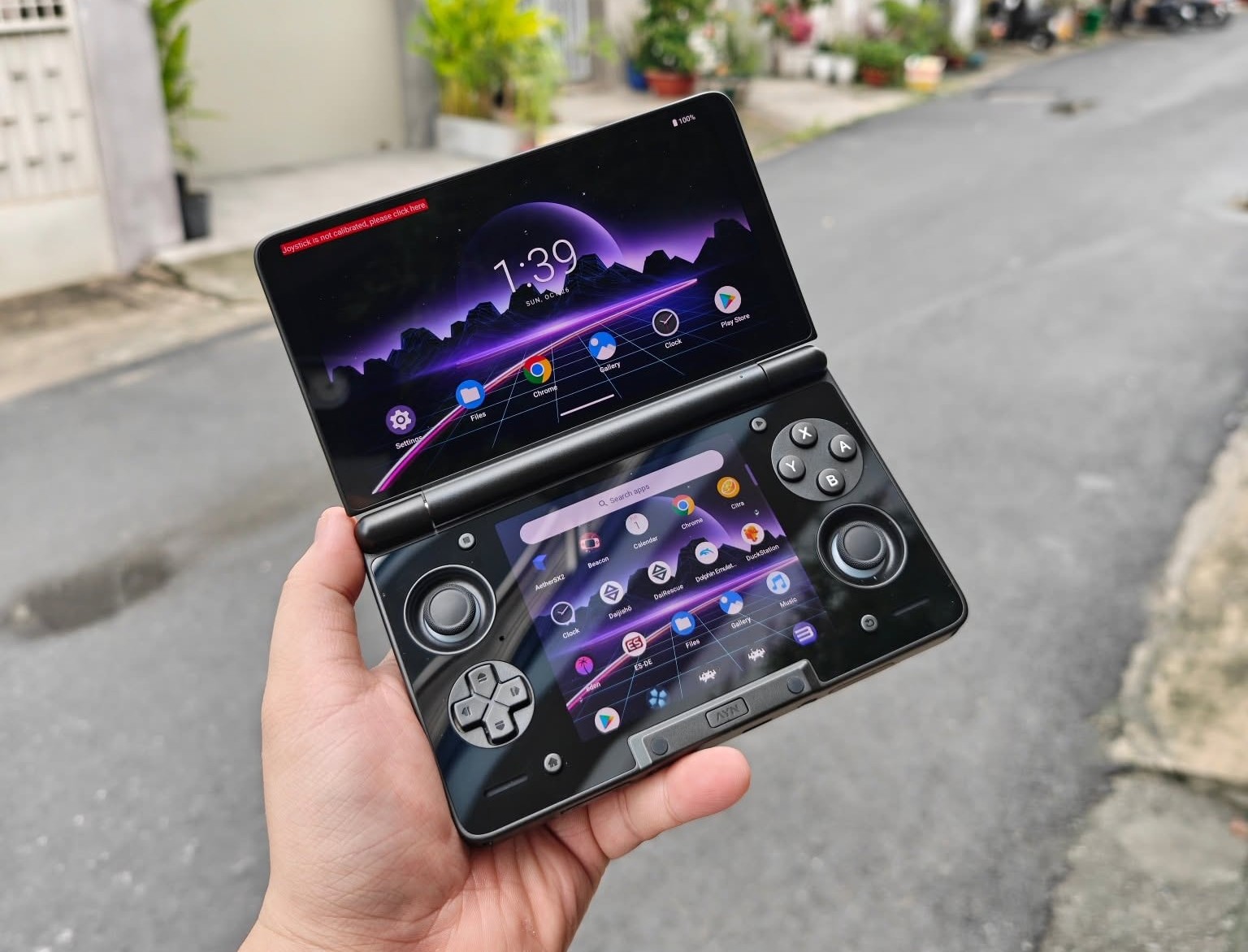
Which Side Are You On? Who Should Buy What?
The clash between the AYN Thor and Steam Deck OLED has no absolute winner—only the device that perfectly matches your specific gaming flavor.
You should choose the Steam Deck OLED if:
- You want a convenient, console-like experience: buy a game, download it, press a button, and play.
- Your library lives primarily on Steam and your priority is playing the latest native PC titles.
- You do not want to spend time configuring software, hunting for ROM files, or troubleshooting system quirks.
- You demand absolute vibrant color reproduction via an OLED panel and are willing to trade it for a larger footprint and shorter battery life.
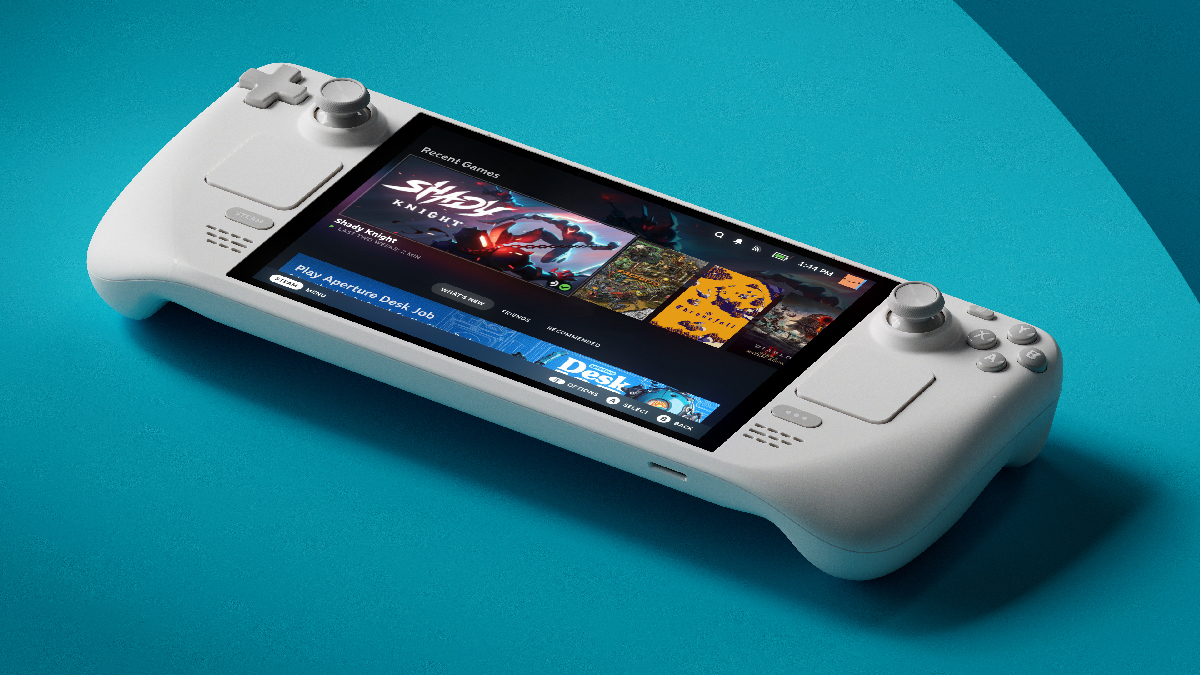
You should choose the AYN Thor if:
- You are a “Hardcore Emulation Gamer”—someone with an endless passion for preservation, wanting to pack your entire childhood from PS2 and PS3 up to modern Nintendo Switch games into a single device.
- You value portability above all else: you want a lightweight machine to throw in your backpack for commutes or travel without needing to carry a massive power bank.
- You love playing high-end Android gacha titles with premium, physical tactile controls.
- You are a tech tinkerer who enjoys optimizing software (adjusting thermal limits, mapping controllers, configuring custom shaders) to squeeze out peak performance.